See Evering in action
See exactly how Evering works before you sign up. Browse a sample wedding gallery, try the selfie face-search below, and walk the guest journey — scan a QR code or WhatsApp link, upload, then find every photo of yourself. No app, no account, full resolution to keep.
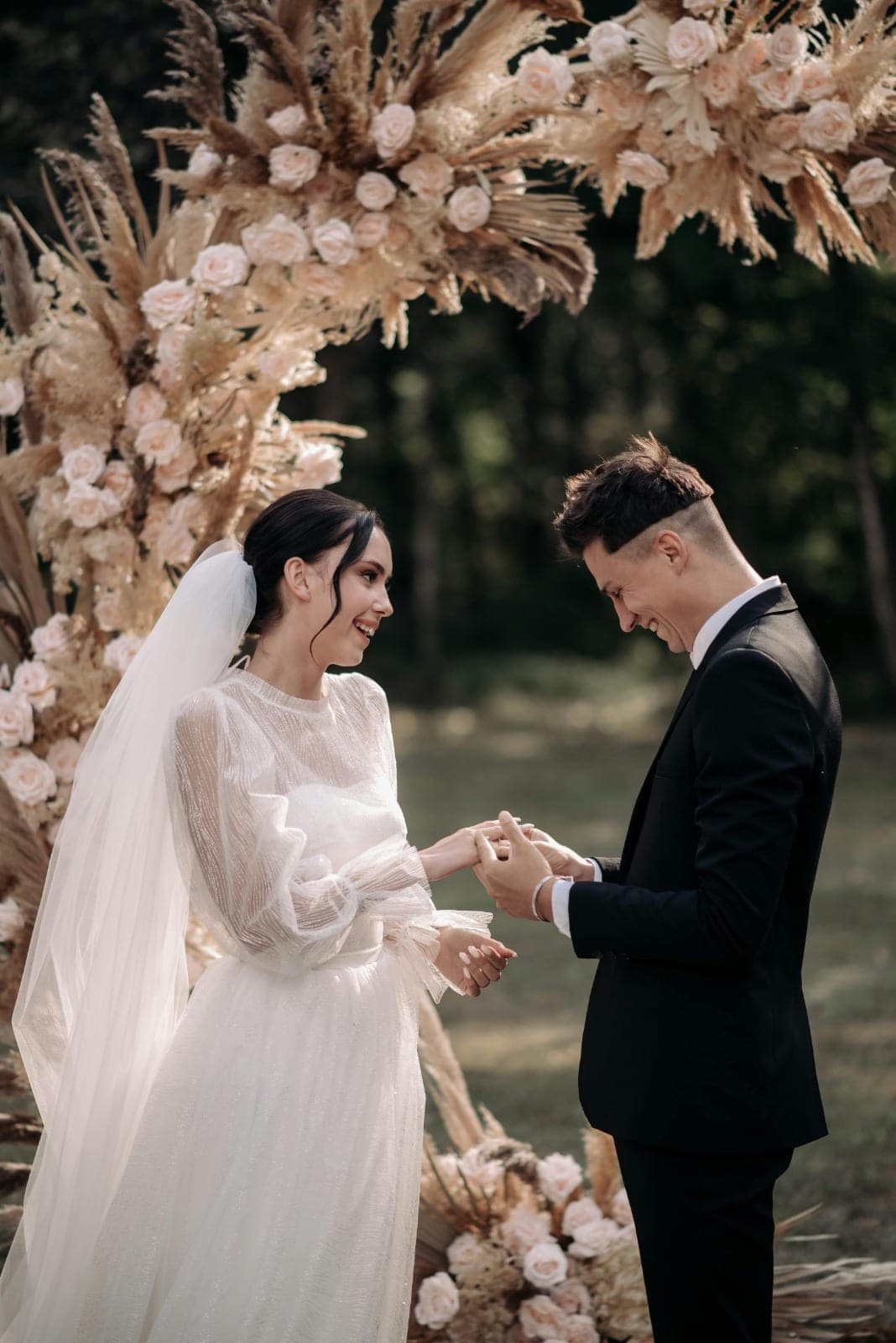
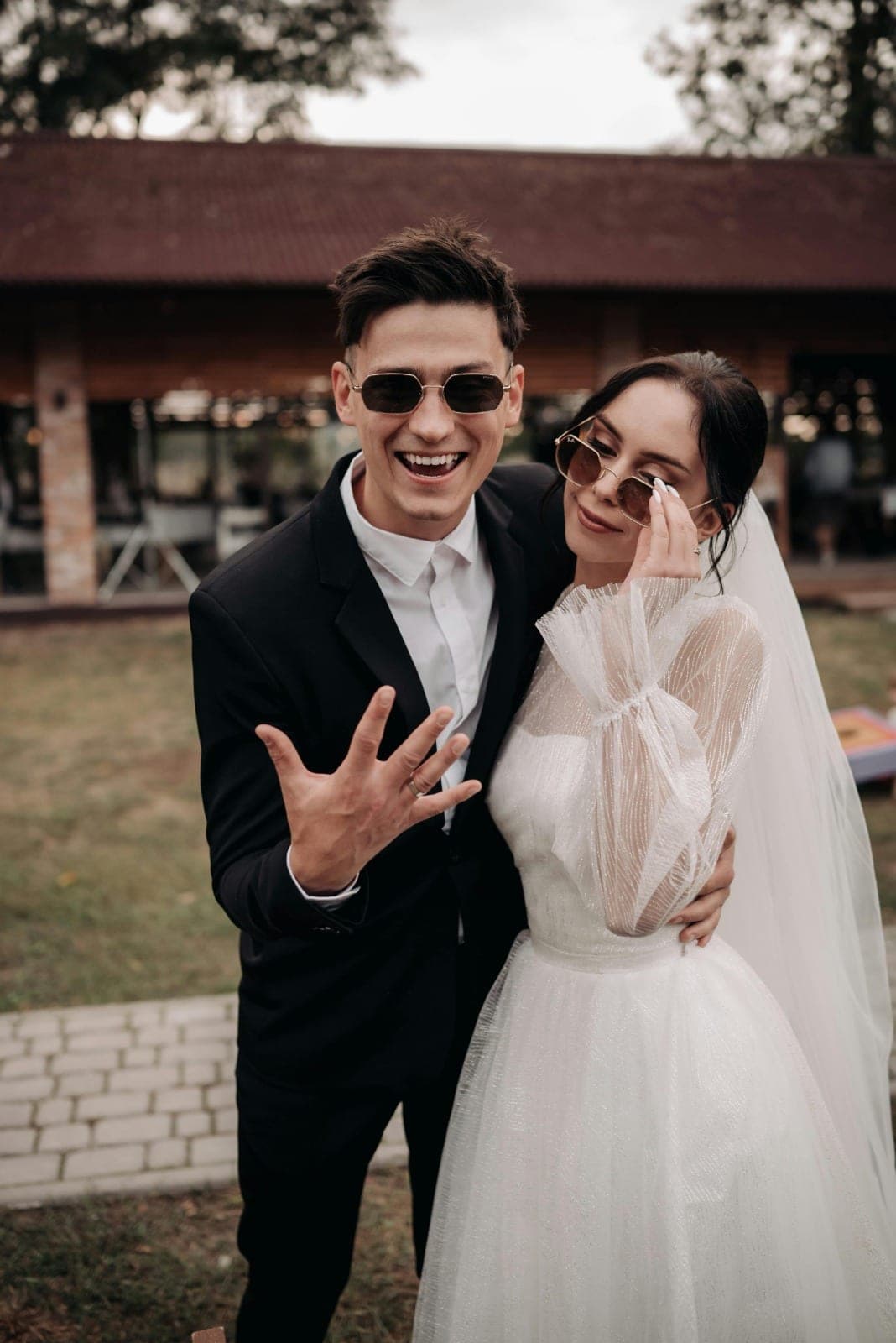
A wedding gallery example you can browse right now.
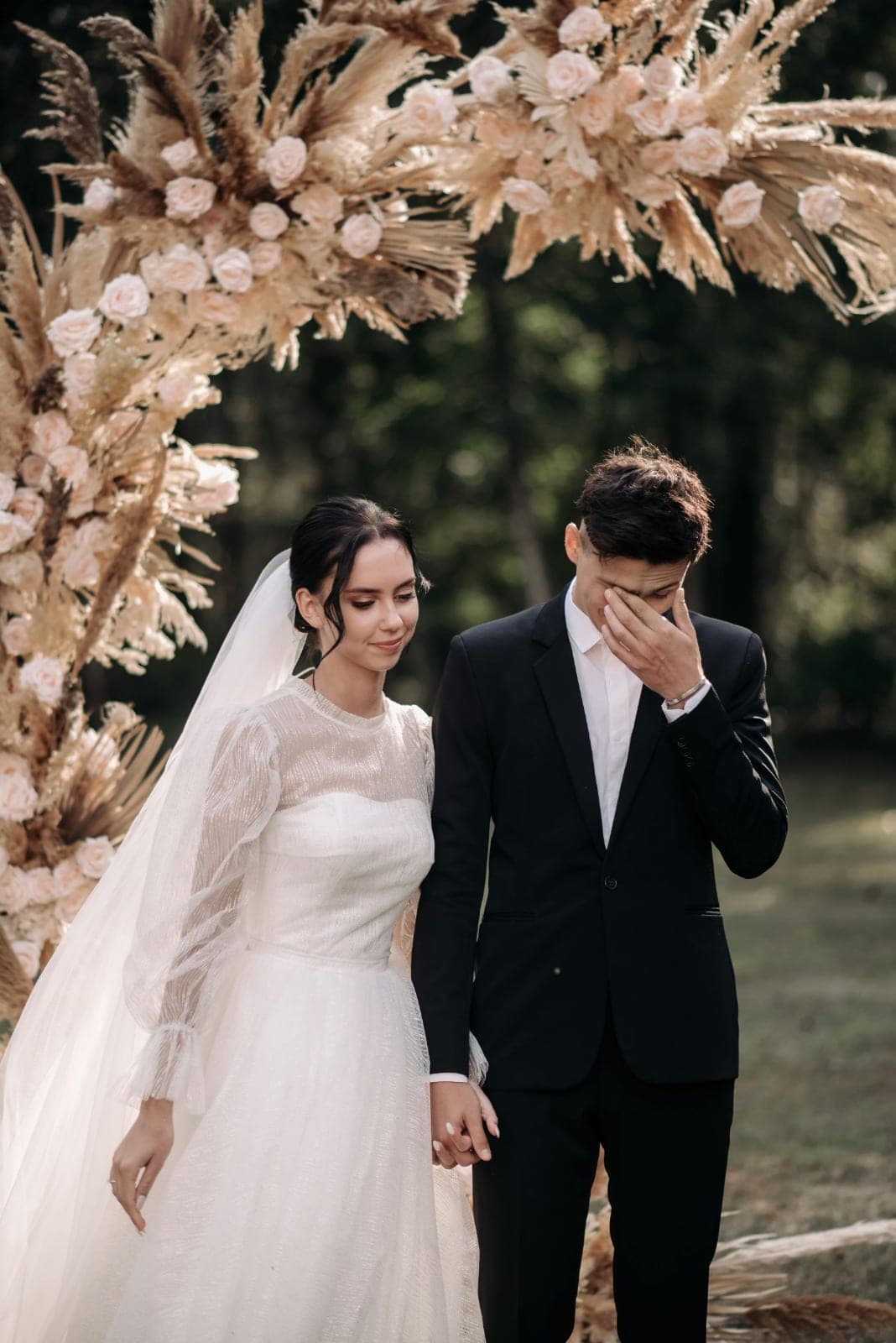
This is a sample wedding photo gallery — the same warm, editorial layout your guests would see, gathering the photographer's shots and every guest's candids in one private place. The images here are showcase samples; open the live demo gallery to browse, search and download exactly as a guest would.
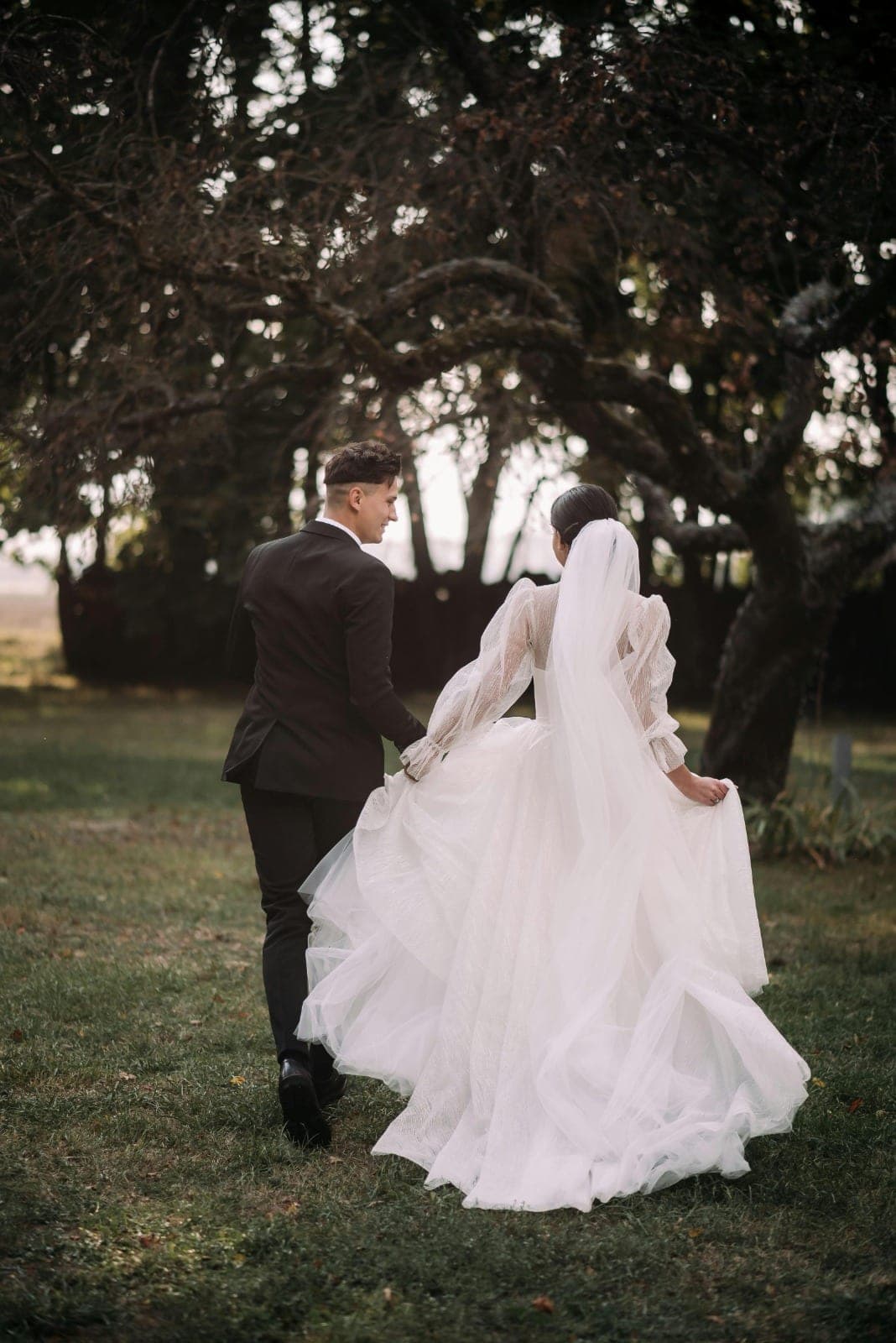
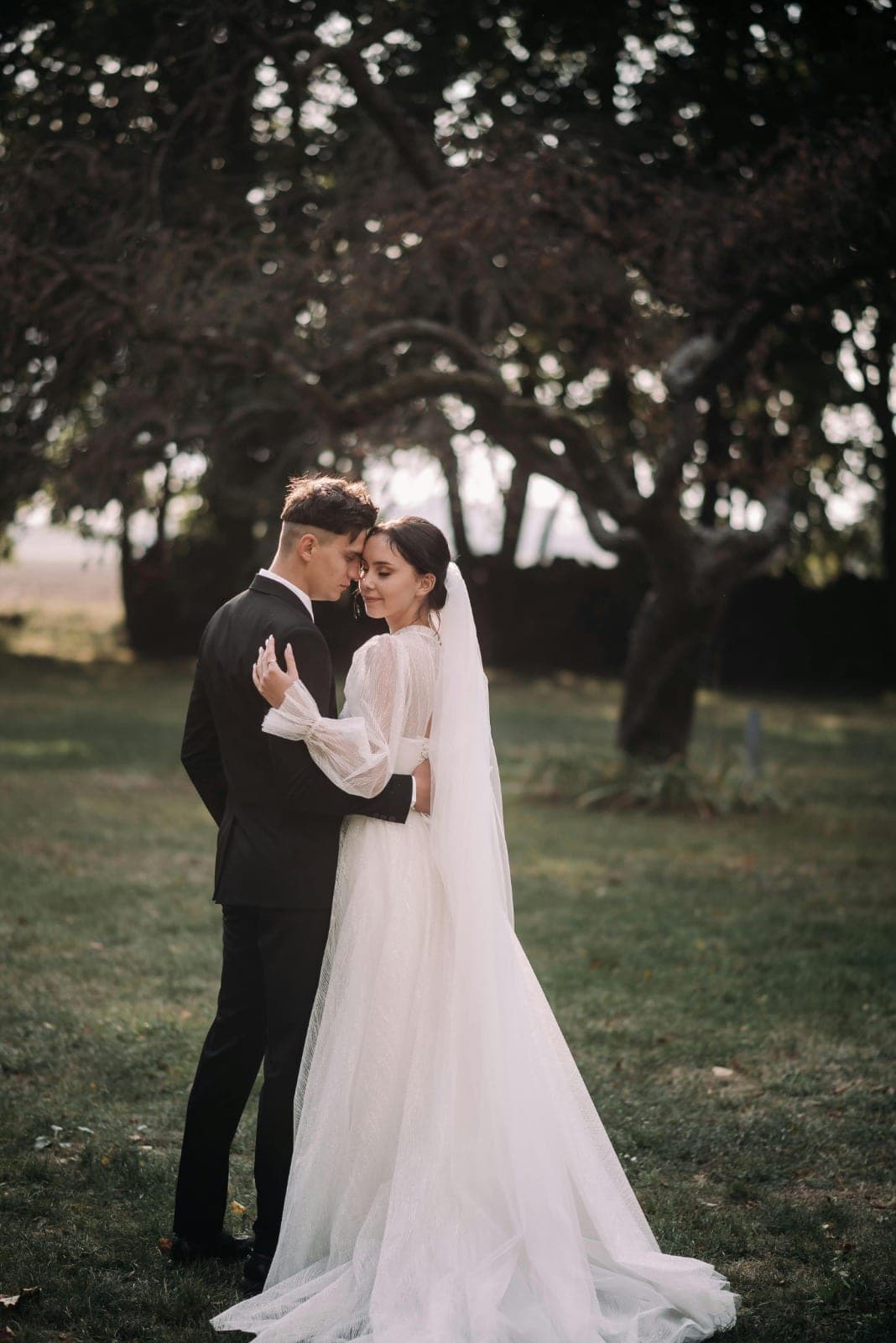

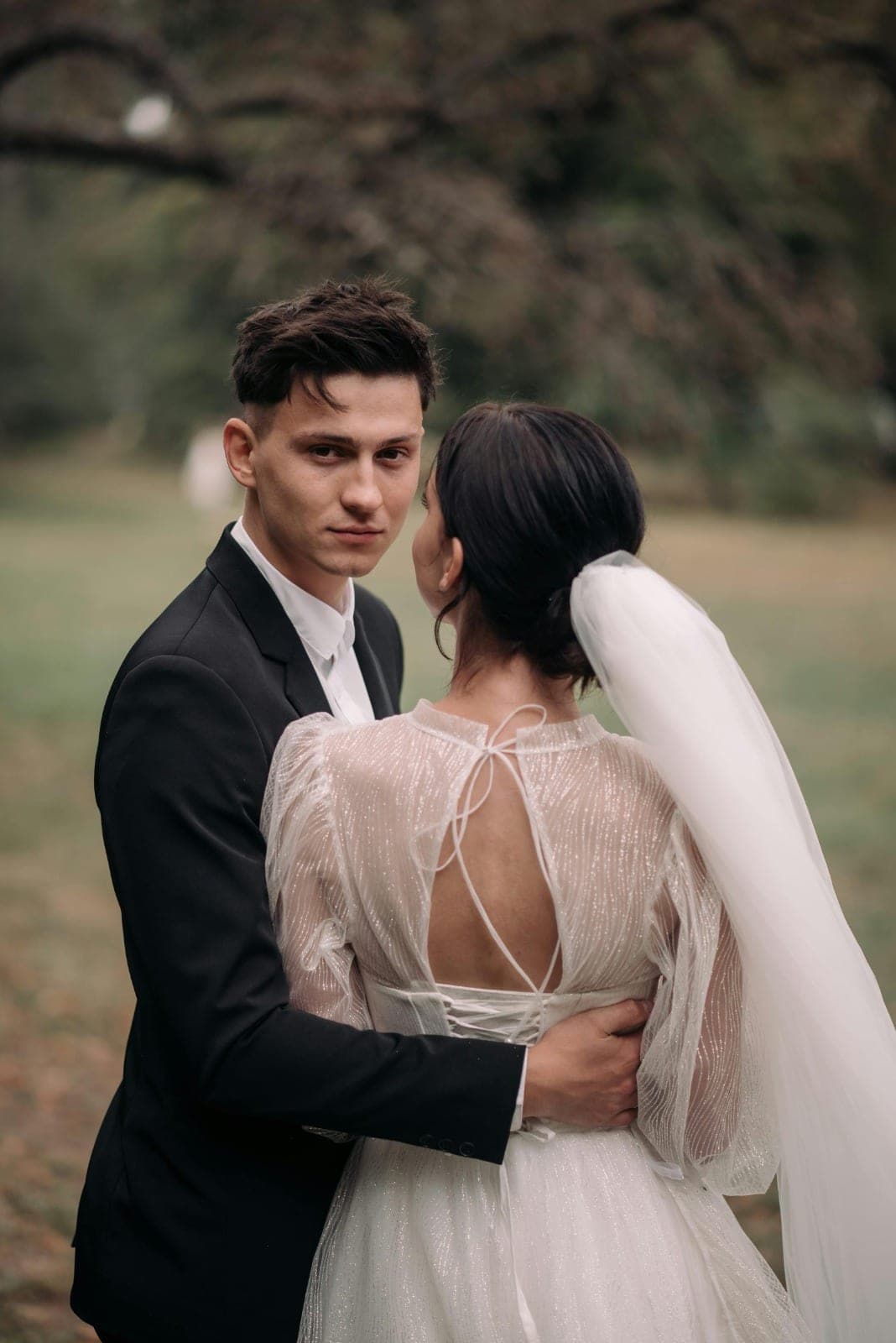
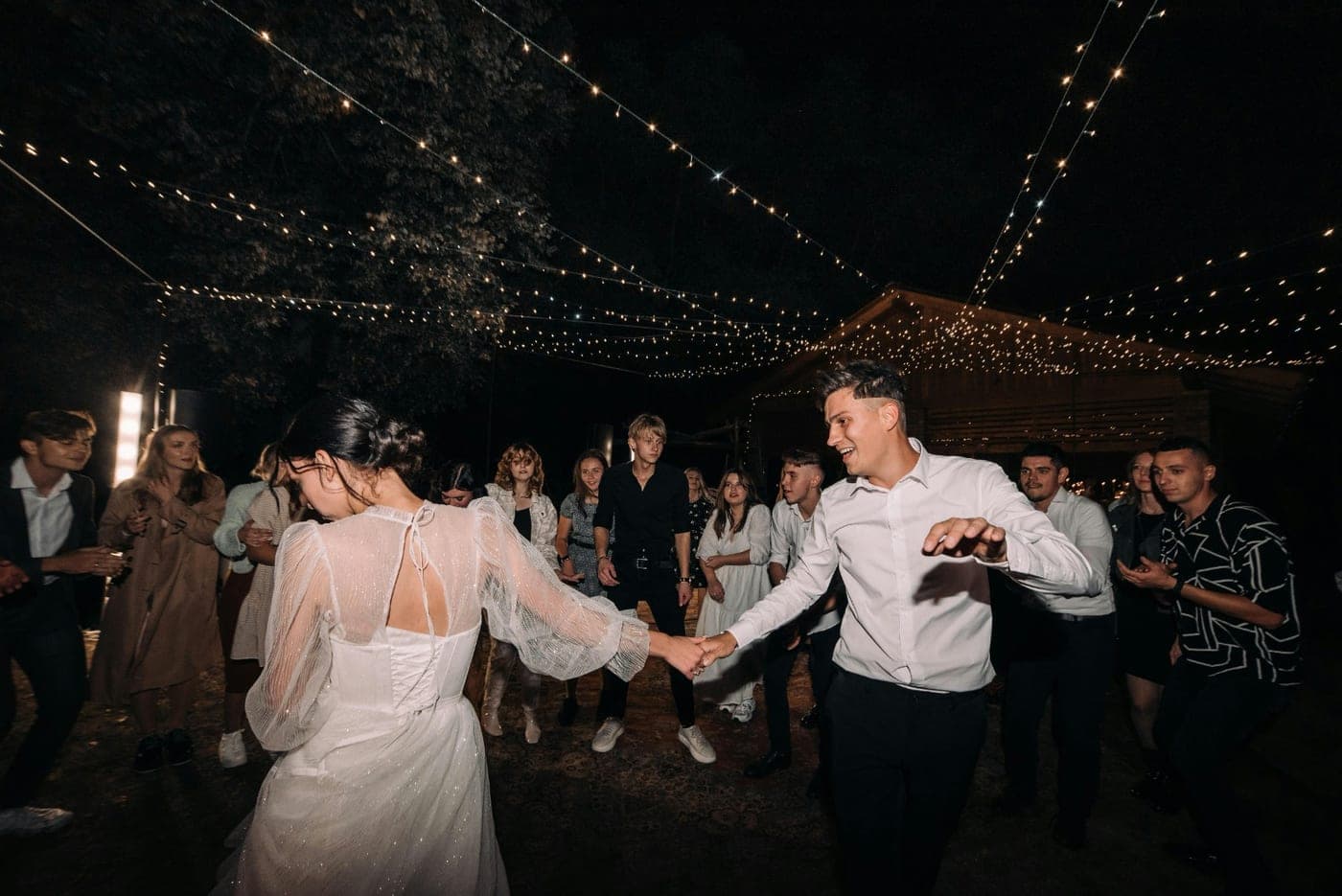
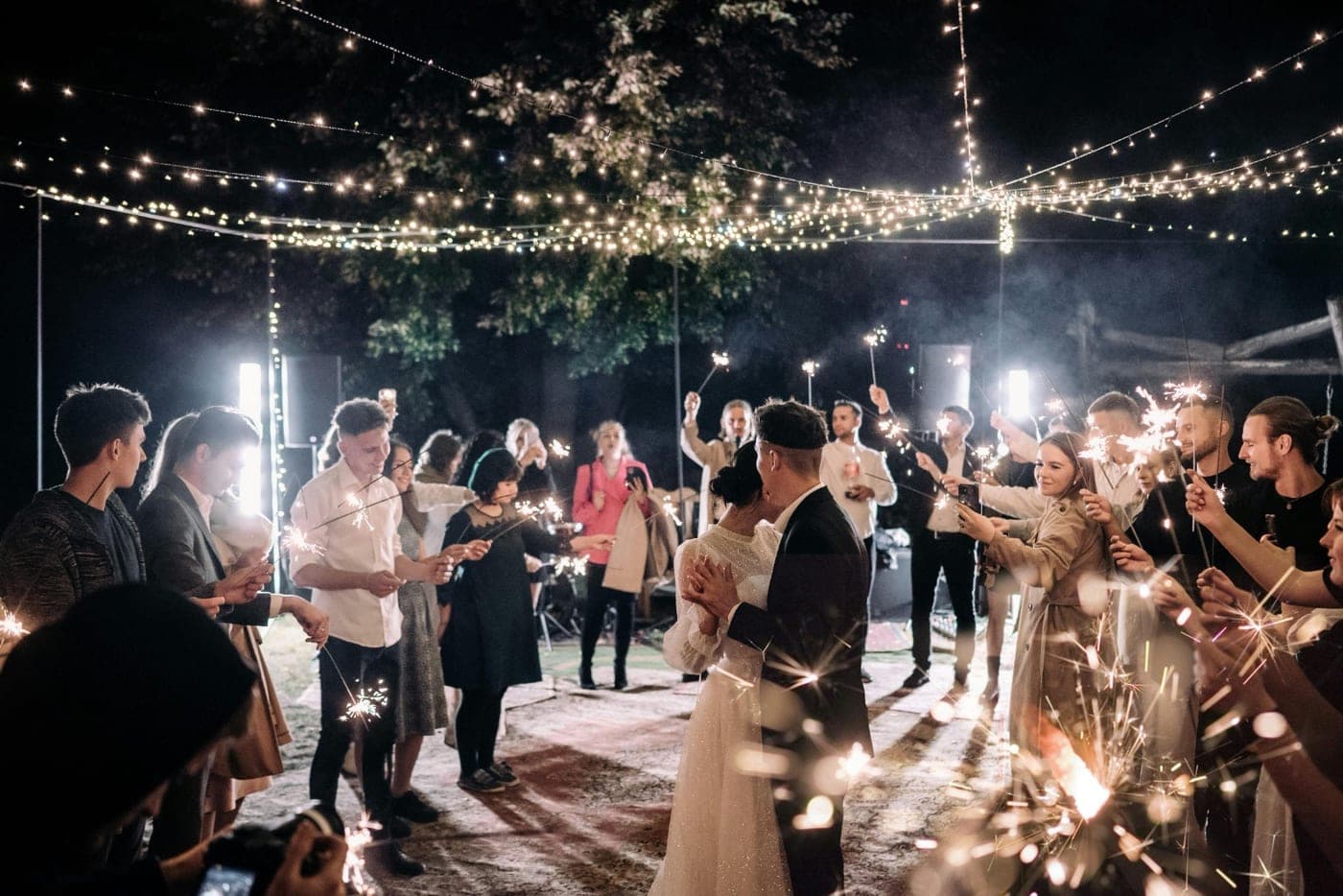
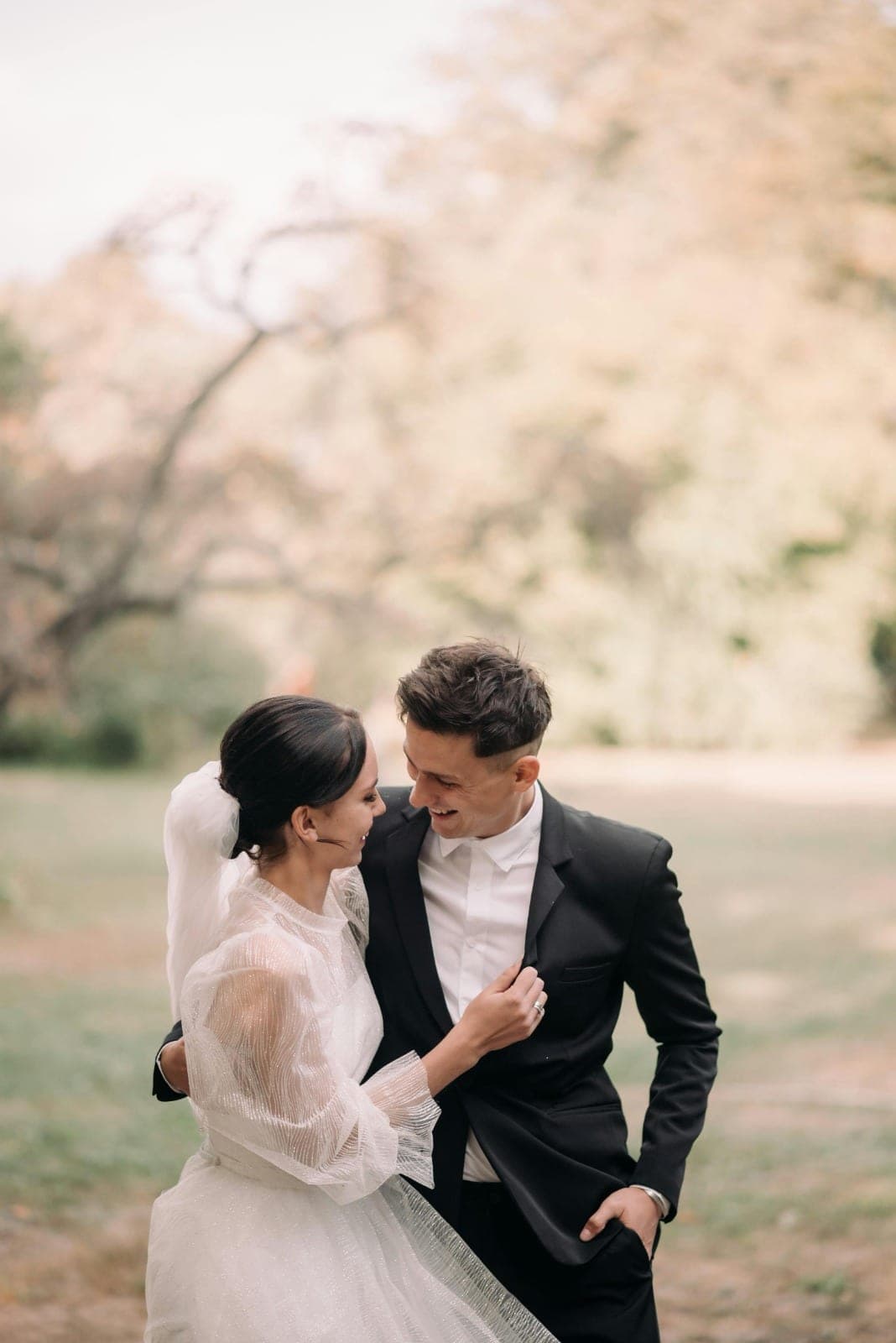
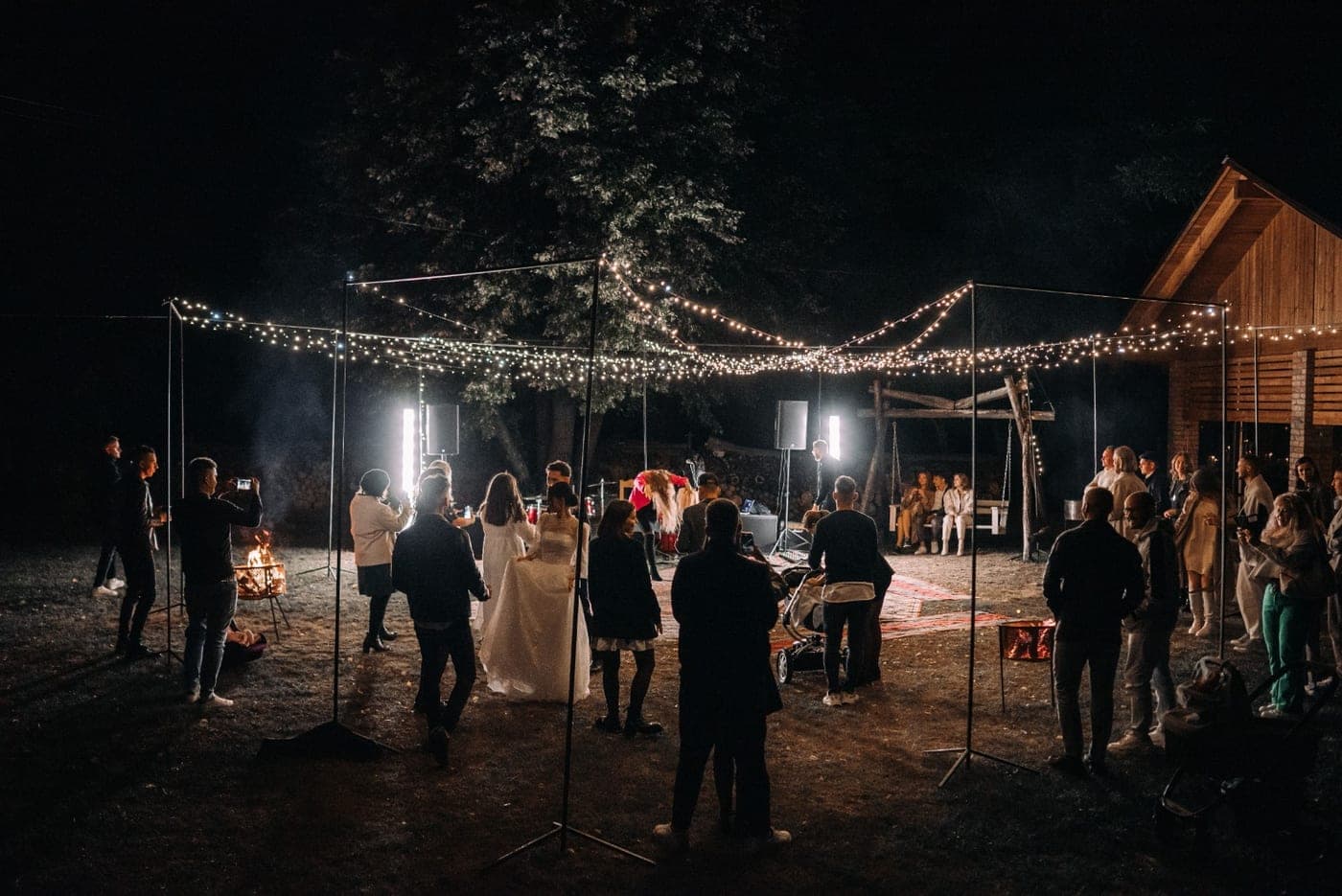
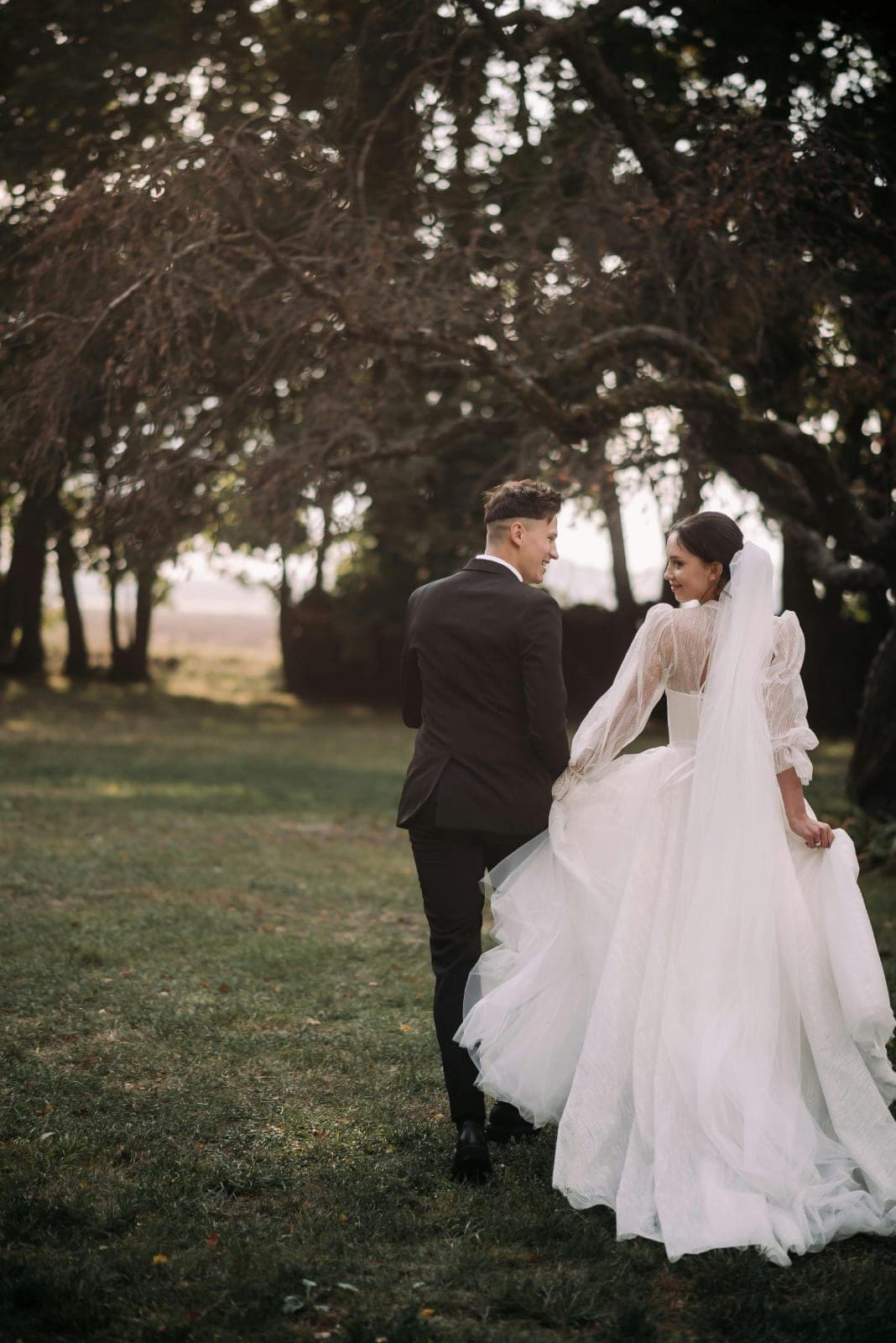
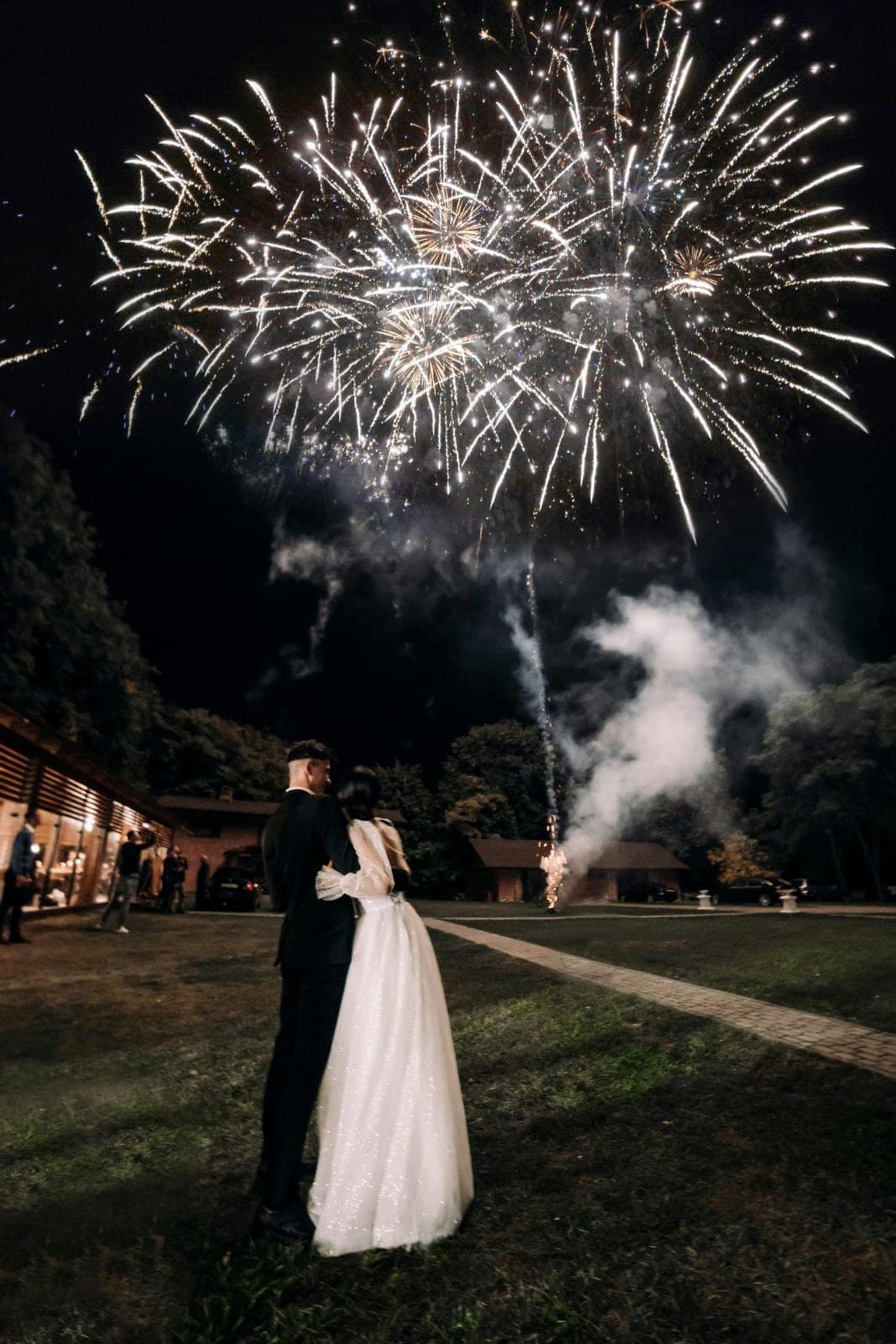
Want the real thing? Open the full live demo gallery — it loads just like a guest's share link, with browsing, downloads and selfie search all live.
One selfie finds every photo of you.
Face-search means a guest takes one selfie and instantly sees every wedding photo they appear in — across the photographer's gallery and the candids other guests uploaded. No scrolling, no asking around. The selfie stays on their phone; only an anonymous numeric fingerprint is used to match, and any guest can delete their face data themselves. The demo below shows the matching as it happens.

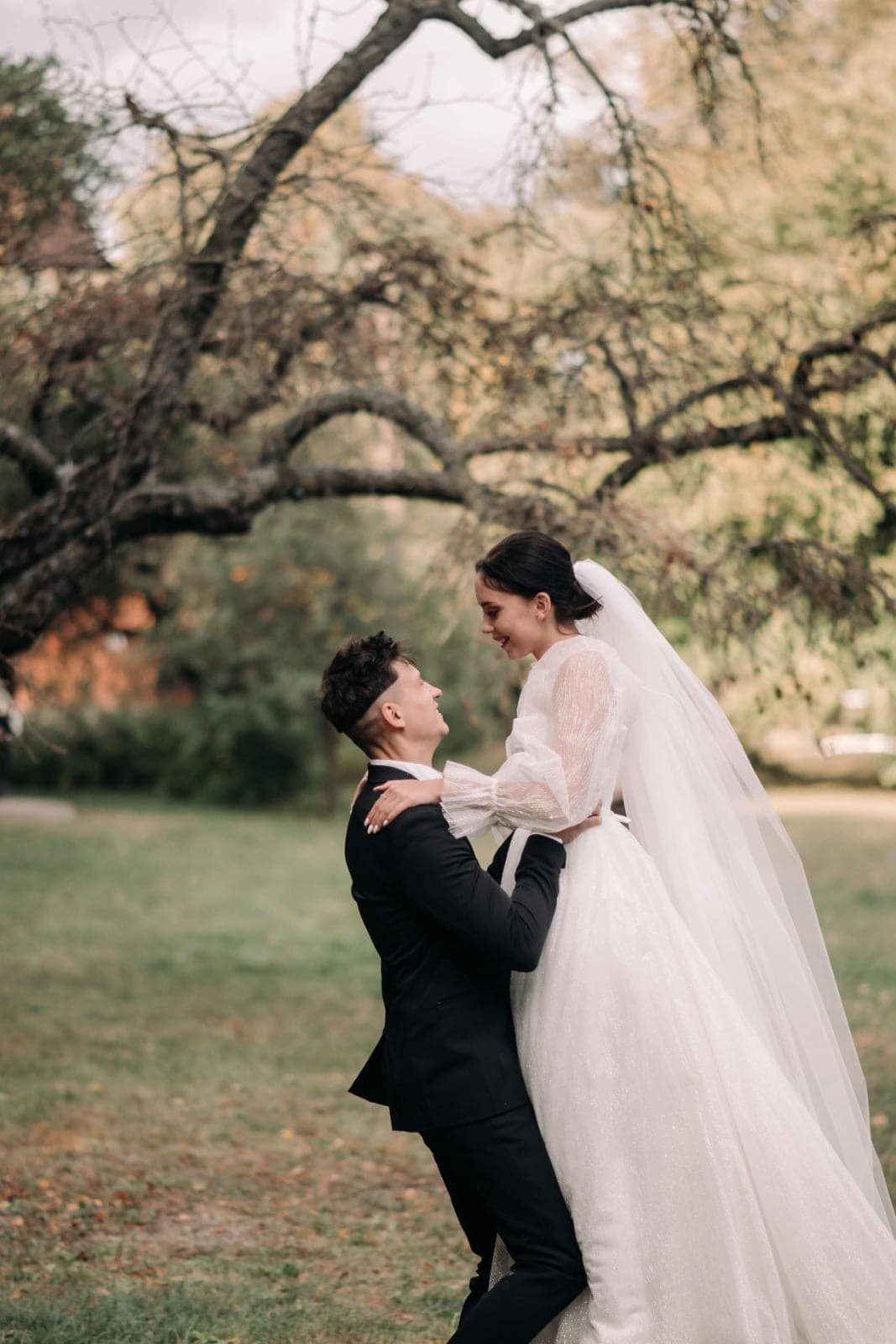
Curious how the matching works under the hood? Read more about wedding photo face search, or try it live in the demo gallery.
Scan. Upload. Find yourself.
The whole guest journey is three steps and zero friction: guests upload by QR code or WhatsApp — no app, no sign-up — then find every photo of themselves with a single selfie. Here's how it plays out on the night.
- 01
Scan a QR code or tap a WhatsApp link
A guest scans the QR on the table or follows your WhatsApp link. Your gallery opens straight in the phone's browser — no app to download, no sign-up, no password.
- 02
Upload the night, in seconds
They add the photos and videos they took, and the candids land in your private gallery alongside the photographer's set. The QR/browser uploader keeps full-resolution originals (videos up to about 100MB); WhatsApp trades a little quality for the easiest way in.
- 03
Find yourself with one selfie
A guest takes a single selfie and Evering surfaces every photo they're in — across the whole gallery — so nobody scrolls a thousand images to find the one of them.
Dig into each way in: QR code uploads and WhatsApp photo uploads — the same gallery, two ways in.
The best way to understand Evering is to be a guest for a minute — scan, upload, take a selfie, and watch your photos find you.
That's the whole promise in one sitting: more guests sharing means more of your day captured from every angle, and one selfie hands each of them their own photos. No app stands in the way, and nothing you collect is locked up — every photo and video is yours to download in full resolution and keep.
One gallery that holds the whole day.
The couple gets one private gallery that gathers every guest's photos and videos, with selfie face-search built in and uploads coming in two ways — QR code and WhatsApp. It's hosted for a full year, for one simple payment per wedding.
- One private gallery that gathers every guest's photos and videos in one place
- Full-resolution originals from the QR/browser uploader, to download and keep
- Selfie face-search so each guest finds their own photos without asking around
- Uploads two ways in: a printable QR code and a WhatsApp link, same gallery
- Optional passcode and upload approval when you want more control
- Hosted for a full year, with one simple payment per wedding in AUD — GST included
See the full breakdown on the pricing page — one payment per wedding in AUD, GST included, no subscription and no per-guest fees.
- Can I see how Evering works before I sign up?
- Yes. This page is a live showcase: browse a sample wedding gallery, try the selfie face-search demo, and walk the full guest journey — scan a QR or WhatsApp link, upload, then find yourself with one selfie. You can also open the full live example gallery to experience the real thing, no account needed.
- Is this a real wedding gallery?
- The photos on this page are sample images from our example wedding, shown to demonstrate the layout and the face-search experience. To see a real, fully working gallery, open the live demo gallery — it loads exactly like a guest's link would, with browsing, downloads and selfie search all live.
- How does the selfie face-search actually work?
- A guest opts in and takes one selfie. Evering matches that against every photo in the gallery — the photographer's shots and the candids other guests uploaded — and shows them every image they appear in. The selfie stays on their device; only an anonymous numeric fingerprint is used for matching, and any guest can delete their face data themselves.
- Do guests need an app or an account to use it?
- No. Guests upload by QR code or WhatsApp, browse the gallery, find themselves with a selfie, and download their photos — all in the phone's browser, with no app to install and no sign-up. Removing that barrier is the single biggest reason more guests actually contribute.
- What does the couple get, and how long does it last?
- The couple gets one private gallery that gathers every guest's photos and videos, with selfie face-search built in. The QR/browser uploader keeps full-resolution originals, and you can download everything any time during the hosting year to keep.
- How much does Evering cost?
- One payment per wedding, in AUD with GST included at checkout — no subscription and no per-guest fees. See the pricing page for the current rate.
Last updated June 2026
Seen enough? Make it yours.
Create your gallery in a couple of minutes, print the QR for your tables, and let every guest photo come home to one place.